BostromFPV
A downloadable BostromFPVSIM for Windows, macOS, and Linux
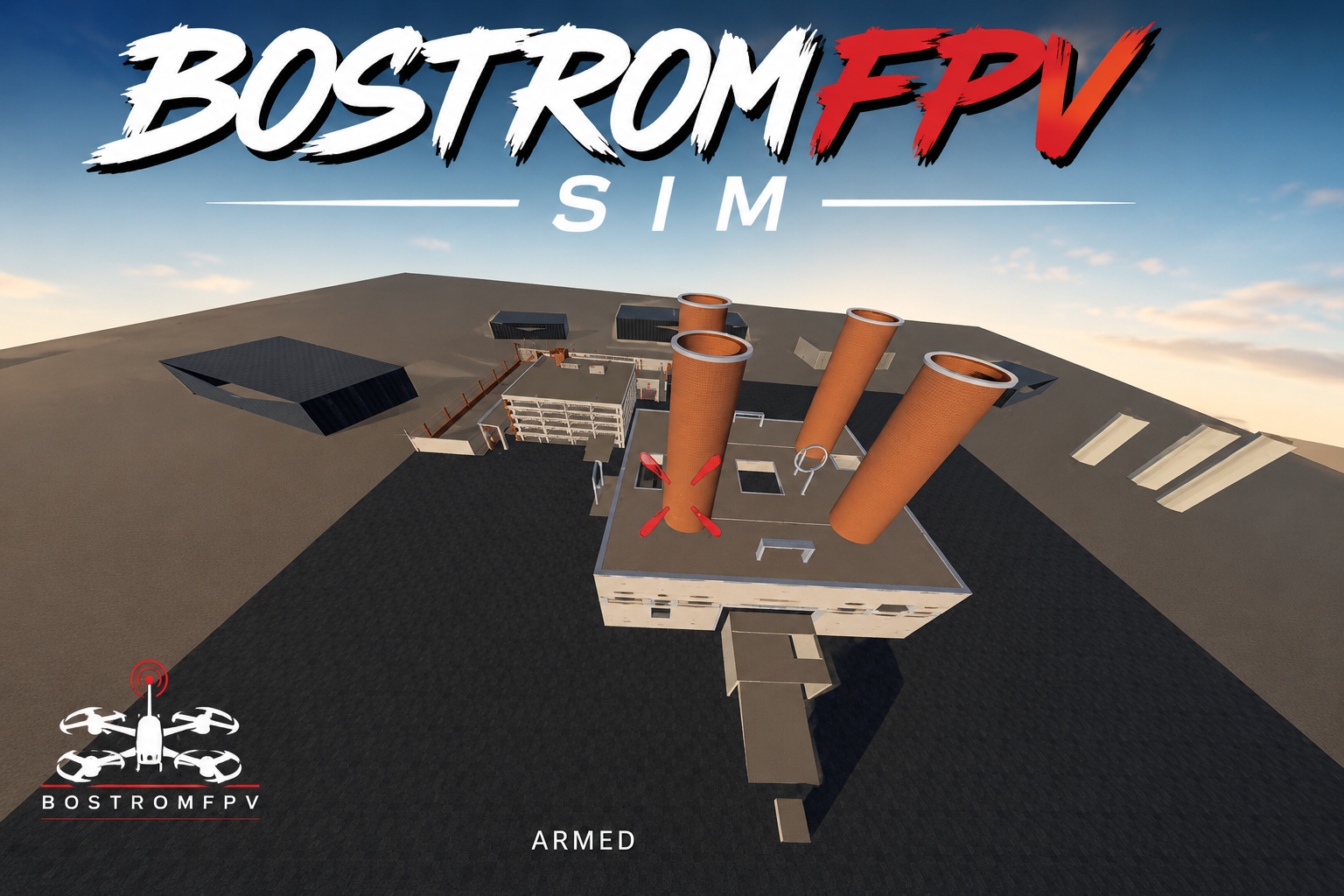
BostromFPV-SIM
A free FPV simulator focused on smooth performance, freestyle flow, and customizable quad settings.
Tune rates, throttle response, camera angle, battery, motors, props, PID feel, and more to get the quad closer to your real build.
Updates over the next few days will add more to the current maps, improve lines and obstacles, fix major bugs, improve flight feel, and clean up performance and visuals.
Tiny whoops and smaller drone classes are planned for later.
Download
Install instructions
Download the ZIP for your operating system and extract it completely.
Windows: Open Game, then run Bostrom-FPV-Simulator-v1.0.exe. Keep the .exe and .pck files together. If SmartScreen appears, select More info → Run anyway.
macOS: Open the DMG in Game, then launch the simulator. If macOS blocks it, Control-click the app and choose Open.
Linux: Open Game, make the .x86_64 file executable, then run it:
chmod +x Bostrom-FPV-Simulator-v1.0.x86_64 ./Bostrom-FPV-Simulator-v1.0.x86_64
Keep the .x86_64 and .pck files together.
No additional libraries or programs are normally required. Controller setup and platform-specific notes are included in LICENSE_AND_README.
Development log
- BIG UPDATE v1.06 days ago
- KEEP INFORMED!9 days ago